Skip to content

Lab · Before and after

The lab in the open

I write prompts the way I would write a call sheet: focal length, aperture, ISO, lighting scheme and delivery resolution.

I knew photography long before I knew AI, and that is exactly what changes the output: prompts are written with focal length, aperture, ISO and lighting scheme. When a frame comes out wrong I know which parameter to change instead of rolling the dice again.

What every prompt carries

  • Focal length
  • Aperture
  • ISO
  • Lighting scheme

Models

  • Gemini · Nano Banana
  • Midjourney v6
  • Stable Diffusion XL
  • DALL·E 3

01 · Retouching

Density and colour, never plastic

Before and after on the real file, without recomposing the scene.

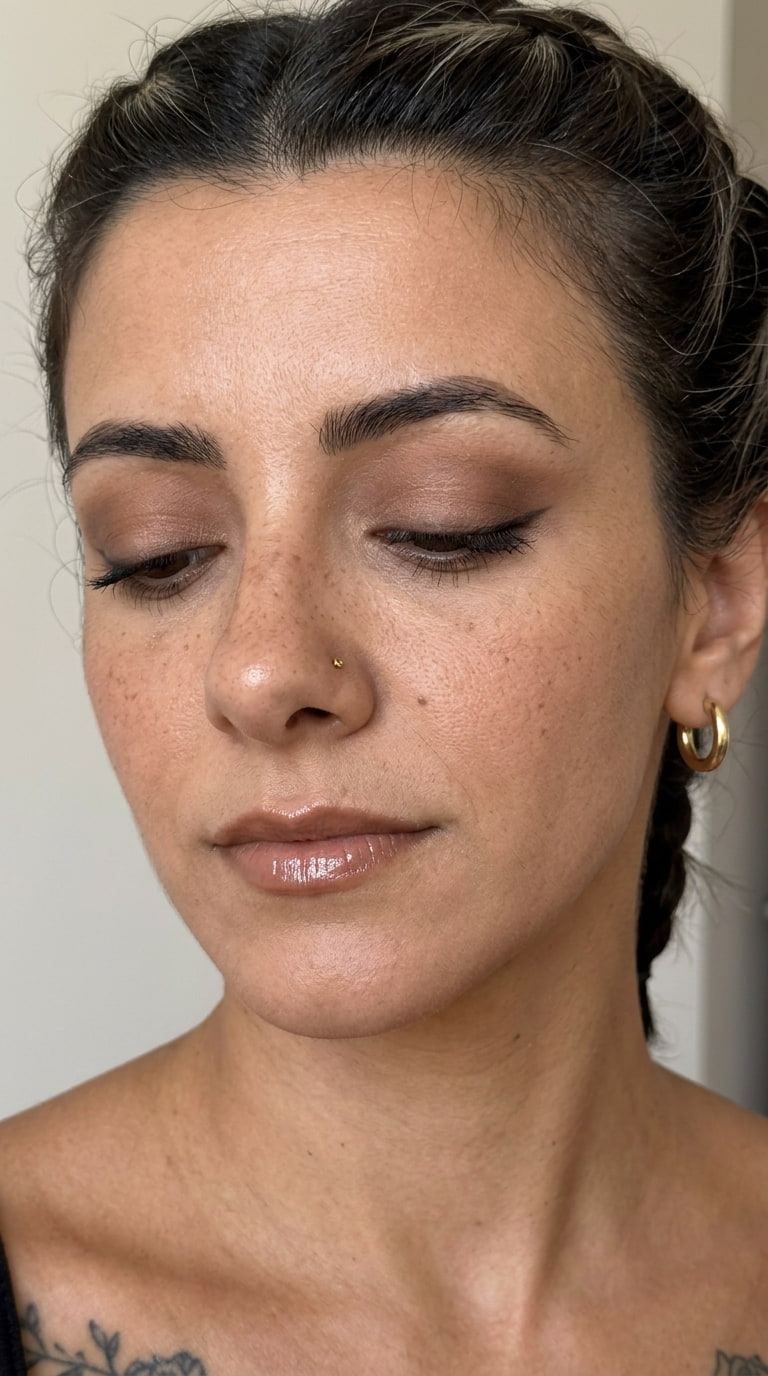
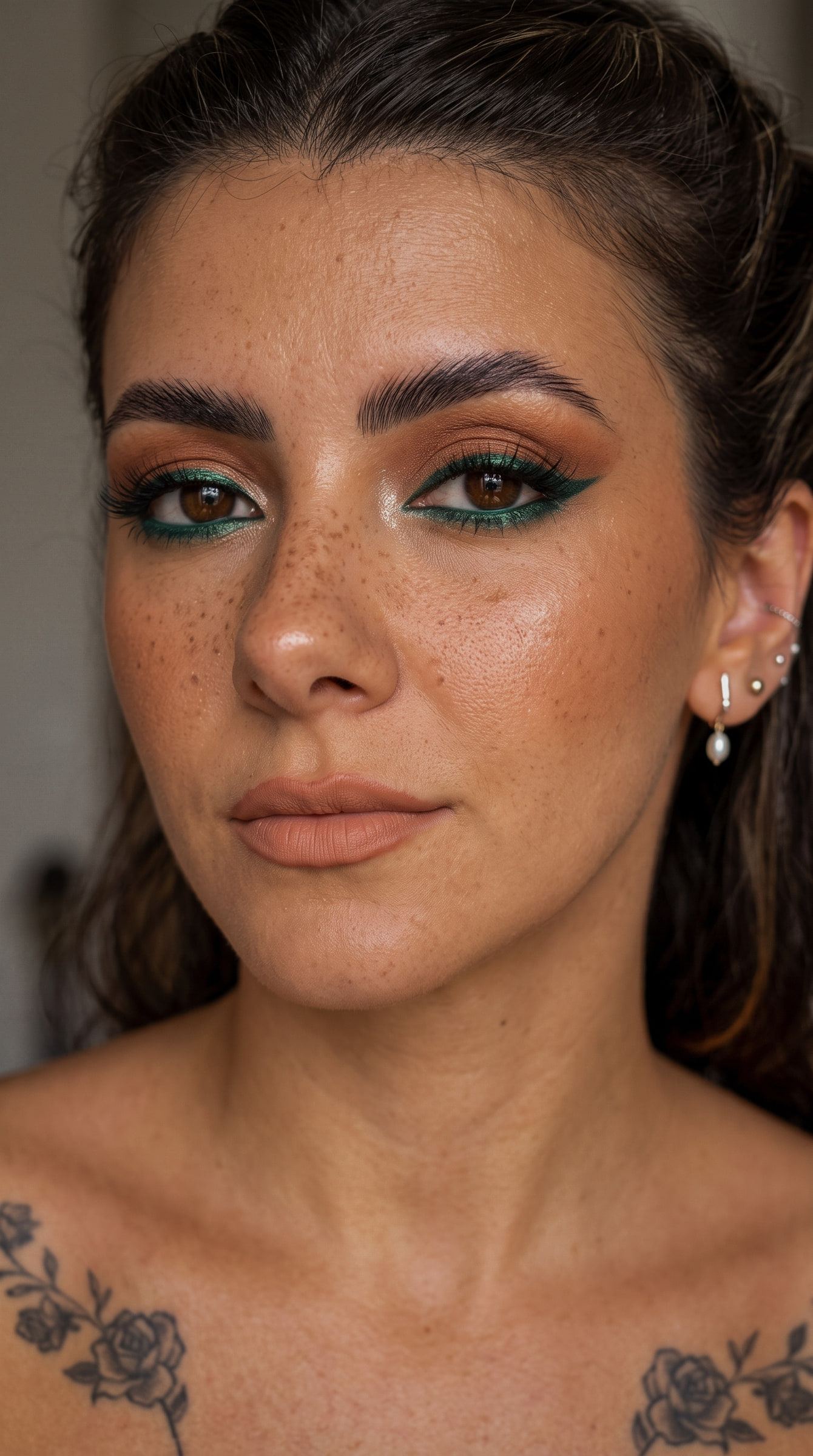
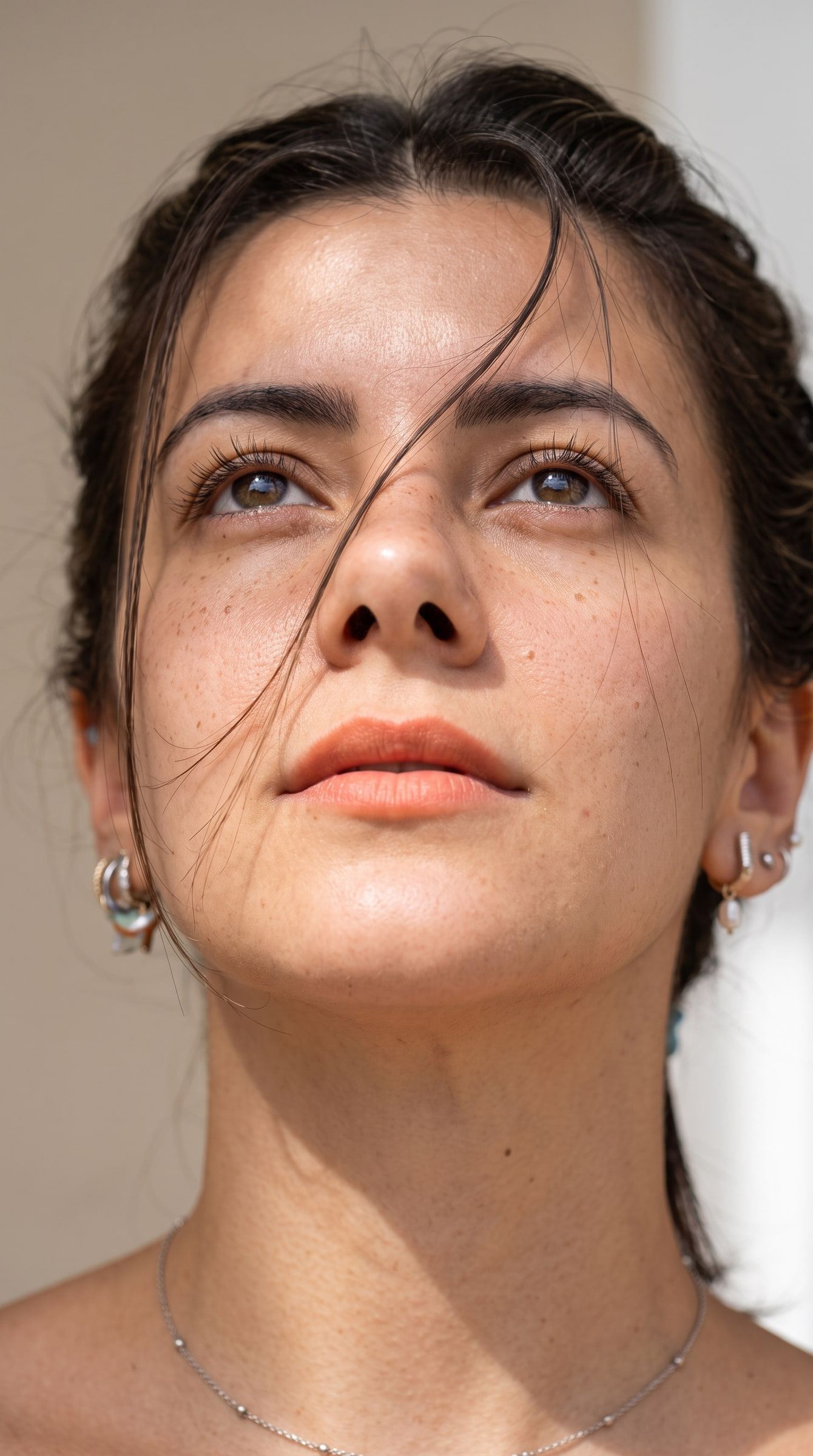
RAW. A beauty portrait as a flat RAW and, on the right, the same frame after the skin, light and colour retouch.

RAW

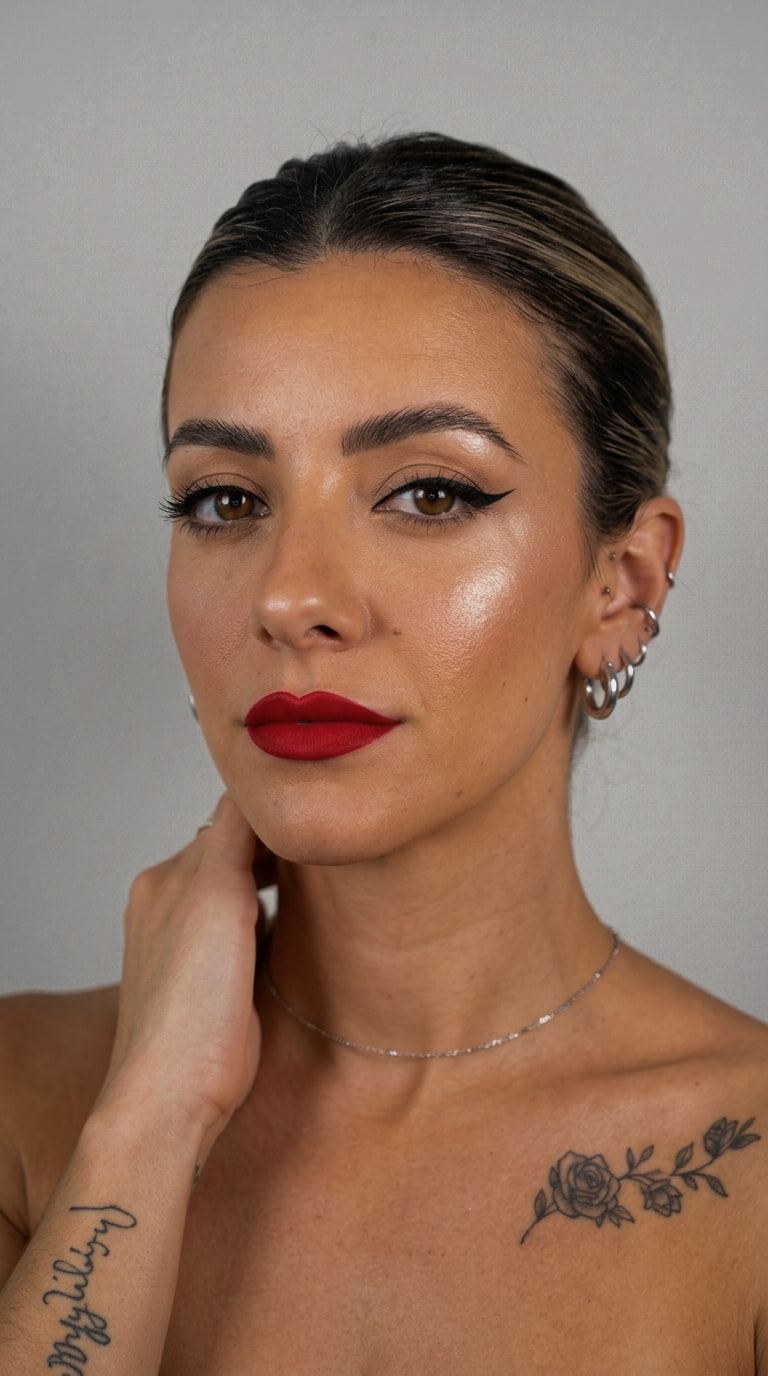
Retouched. A beauty portrait as a flat RAW and, on the right, the same frame after the skin, light and colour retouch.

Retouched

Drag the handle or use the arrow keys.

Beauty retouching with no plastic

The before is the flat RAW straight out of camera: neutral profile, low contrast, colour undecided. The after is density and colour, not smoothing. All the skin work is dodging and burning on 50% grey layers; zoom to 100% and the pores are still there. That is the difference between a retouch that survives print and one that falls apart the moment you look closely.

  • Gemini · Nano Banana
  • Photoshop
  • Lightroom
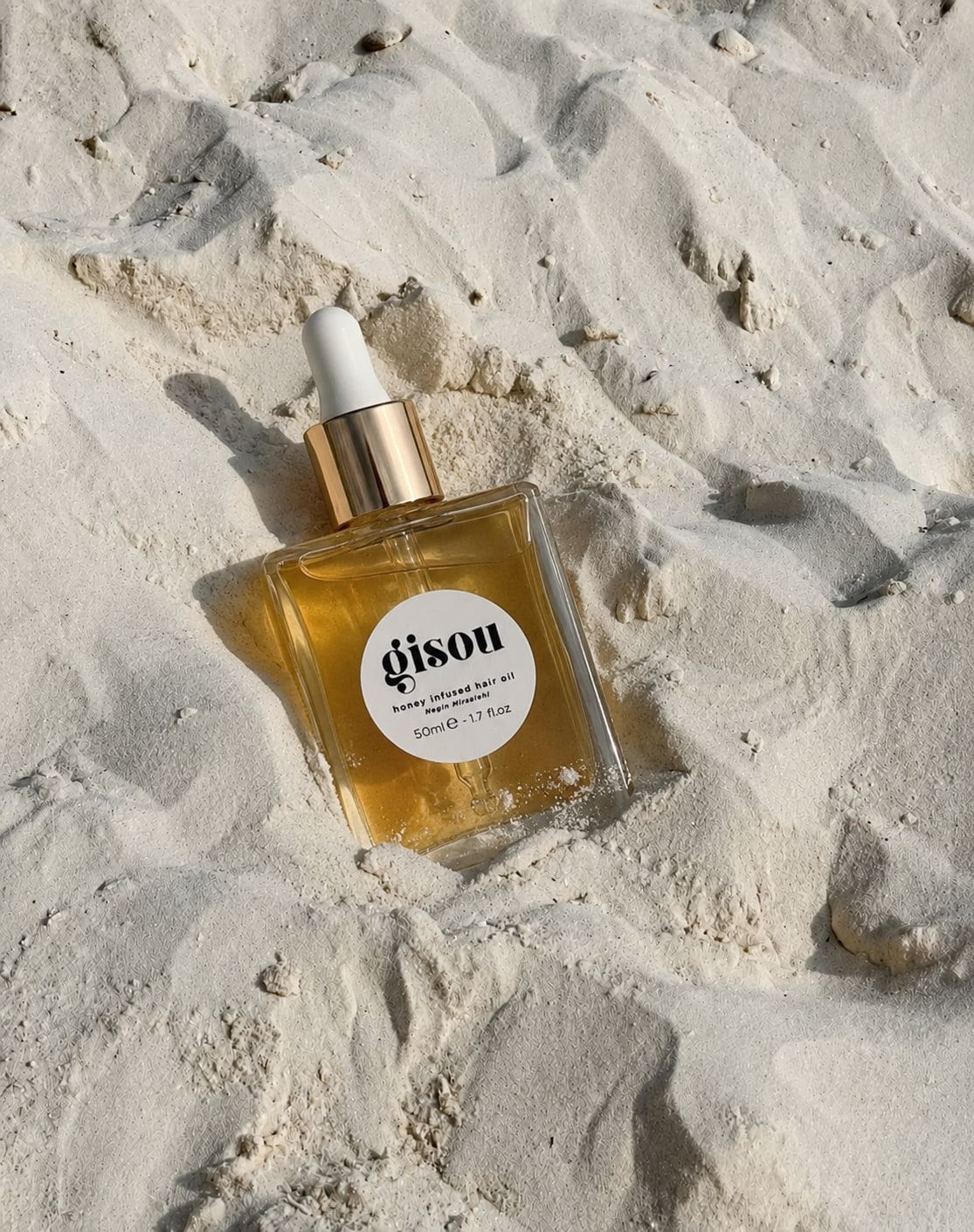
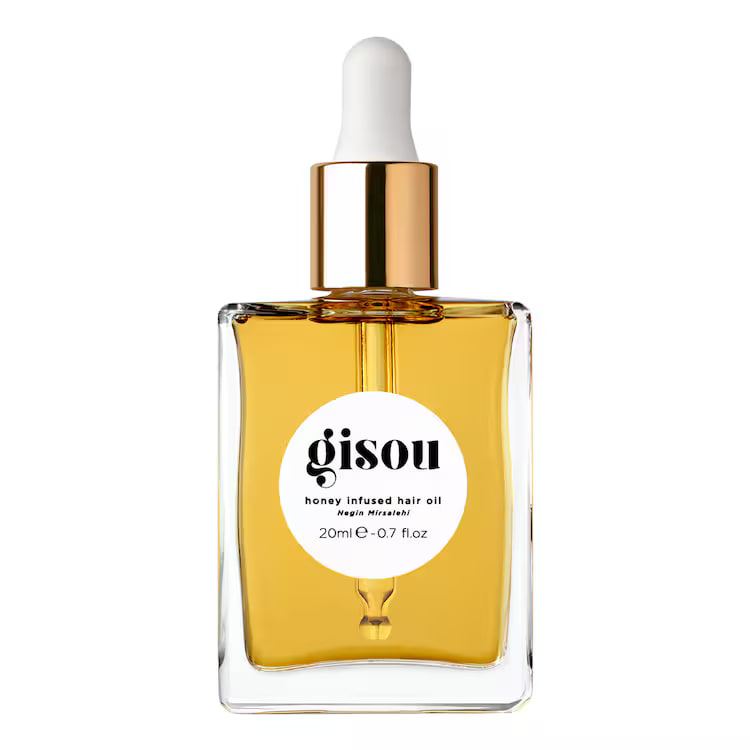
RAW. A product still life as a RAW and, on the right, the same frame after cleaning the riser and rebuilding the highlights.

RAW

Retouched. A product still life as a RAW and, on the right, the same frame after cleaning the riser and rebuilding the highlights.

Retouched

Product still life, listing-ready

An Amazon hero image comes with hard rules: pure white background, the product filling 85% of the frame, nothing else added. The work is in the edge — it has to read against white without being cut out by hand — and in the highlight along the shoulder of the bottle, broken in-camera by the seam of the riser and rebuilt whole here.

  • Gemini · Nano Banana
  • Photoshop
  • Lightroom

02 · Generation

There is always a real frame

From the base photograph to the final AI-generated piece.

Every prompt is a spec sheet: one line, one parameter.

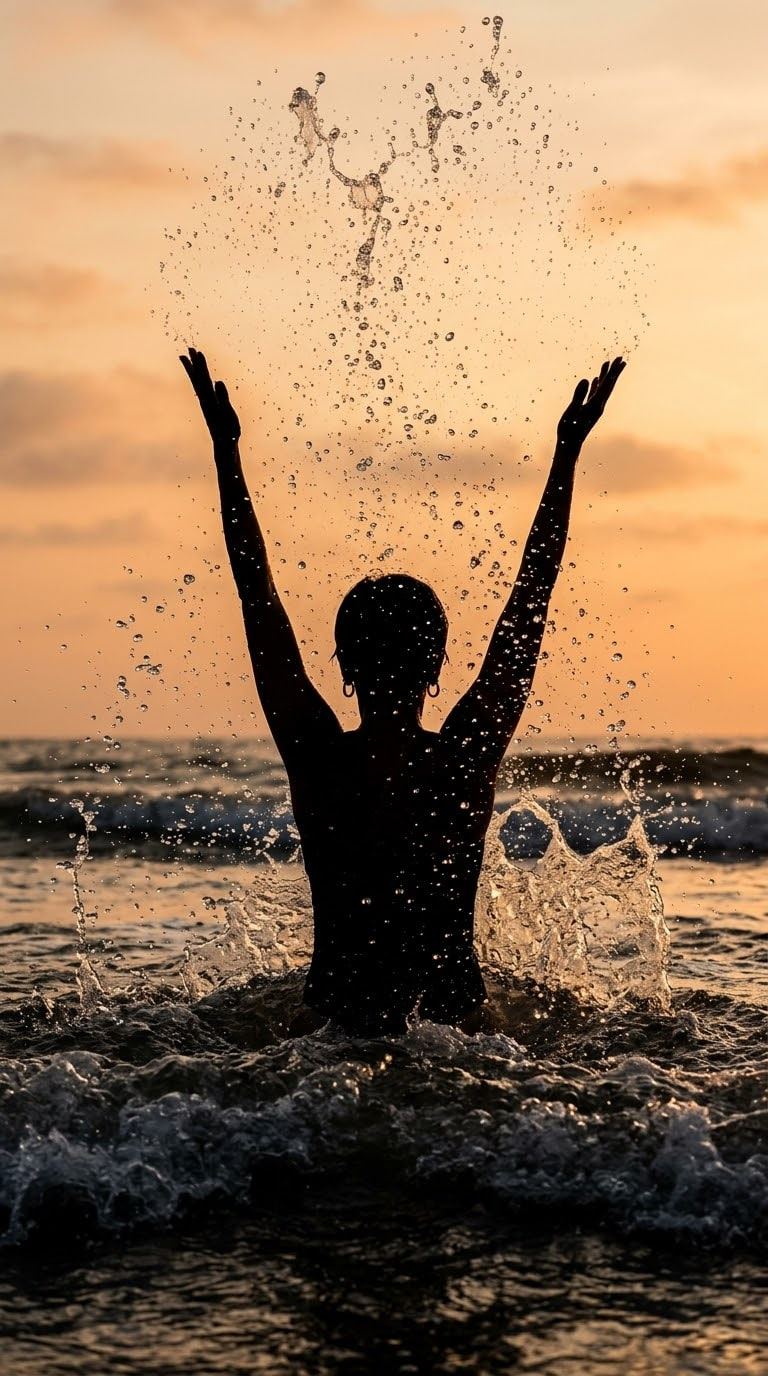
Base. Editorial portrait: the flat photographic base on the left, the Midjourney output on the right.

Base

AI. Editorial portrait: the flat photographic base on the left, the Midjourney output on the right.

AIMidjourney v6

Backlit editorial portrait

The base is a real frame that locks framing, focal length and the direction of the light. The model only resolves atmosphere: the flare, the halation on the rim light and the way the background falls off. That is why the prompt reads like a spec sheet rather than a description — when the image comes out wrong, I know which parameter to change.

  • Midjourney v6
  • Photoshop

Prompt

Model: Midjourney v6

Editorial fashion portrait, 85mm, f/1.4, ISO 200, 1/250s, shot backlit half an hour before sunset with a bare-bulb rim from camera right and a 1.5m white bounce for fill. Cool steel and indigo palette, wardrobe in matte charcoal wool, no jewellery. Shallow depth of field with the focus plane on the near eye and the shoulder already falling off; anamorphic flare across the upper third, slight halation on the rim. Kodak Portra 400 pushed one stop, medium contrast, blacks lifted, grain visible in the shadows. Full-frame framing, subject placed on the right third, negative space on the left for type. No text, no watermark, no extra hands. --ar 3:2 --style raw --stylize 250 --chaos 8
Base. A product photographed on a neutral background and, on the right, the same product in a stone set generated with Stable Diffusion XL.

Base

AI. A product photographed on a neutral background and, on the right, the same product in a stone set generated with Stable Diffusion XL.

AIStable Diffusion XL

A generated set for a product campaign

The bottle on the left is photographed against a neutral background — what a single studio day can realistically deliver. The scene on the right, the stone, the low eight-o'clock light and the long shadow, is generated. This is the case where AI saves a trip rather than a shoot: without the real frame of the product there is nothing to place.

  • Stable Diffusion XL
  • Photoshop
  • Lightroom

Prompt

Model: Stable Diffusion XL

Cosmetic bottle on a travertine ledge at golden hour, 100mm macro, f/5.6, ISO 100, 1/125s, camera at product height. Key light is hard low sun from camera left at 20° above the horizon, cutting a long shadow to the right; fill from a warm sand wall out of frame. Sand and graphite palette, dry stone texture, one dried olive branch out of focus in the background. Label sharp and legible, glass edge defined against the shadow side, no blown highlight on the cap. Fujifilm Pro 400H colour, low contrast, warm highlights, neutral shadows, fine grain. Negative prompt: extra bottles, duplicated caps, warped typography, plastic sheen, HDR halo, watermark, text overlay. SDXL base plus refiner, 40 steps, CFG 6.5, DPM++ 2M Karras, 1024x1280 then 2x latent upscale to 2048x2560.
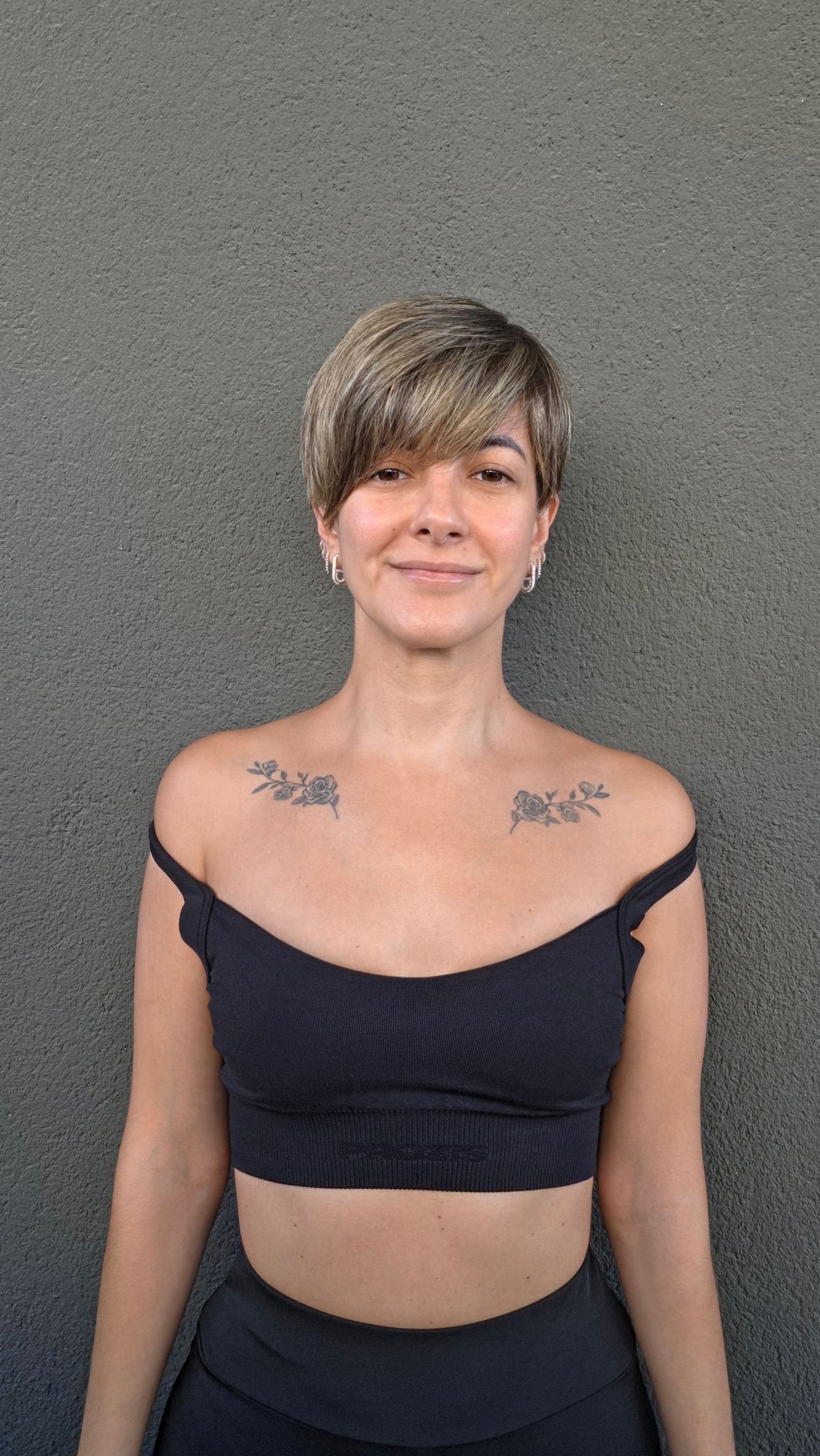
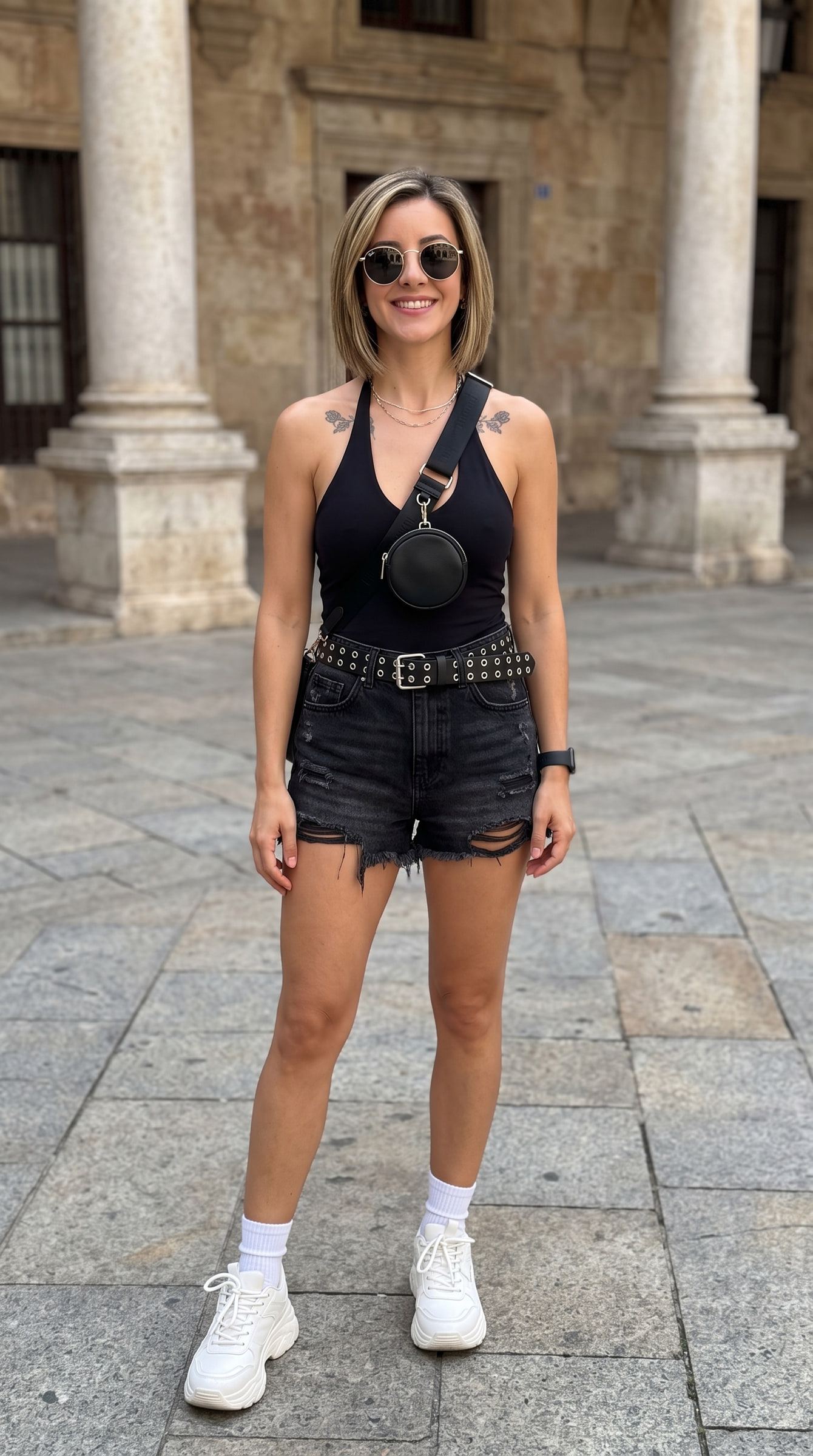
Base. Alternative-aesthetic portrait: the photographic reference on the left and the DALL·E 3 output on the right.

Base

AI. Alternative-aesthetic portrait: the photographic reference on the left and the DALL·E 3 output on the right.

AIDALL·E 3

Alternative-aesthetic portrait

Alternative and minimal: one light, fast falloff, restrained colour. The hardest thing to get out of a generative model is exactly what is non-negotiable here — matte skin with real texture and no filter sheen — which is why the prompt asks for it twice, once in the positive and once in the negative.

  • DALL·E 3
  • Photoshop

Prompt

Model: DALL·E 3

Alternative-minimal beauty portrait, three-quarter view, 50mm, f/2.8, ISO 400, 1/125s, eye level. Single 120cm parabolic softbox high and frontal at 60° for a soft butterfly shadow under the nose, black v-flats on both sides to keep the cheeks dark and the falloff fast. Peach and plum palette, matte skin with visible texture and no gloss, bleached brows, dark lip, hair pulled back flat. Plain plaster background one stop darker than the face. Cinestill 800T colour response without the halation, restrained saturation, deep neutral blacks. Head placed slightly below centre with headroom above. Photographic realism, no illustration, no smoothing, no beauty filter, no text.

03 · Iteration

One parameter at a time

Four outputs of the same concept, each with its prompt.

One idea, four parameters

Iterating is not rolling the dice again. Each variant changes exactly one parameter — the quality of the light, its position, the film stock, the ISO — and holds everything else still. That is what makes the comparison worth anything, and what makes the result repeatable on the next commission. The fourth one shipped.

  • Gemini · Nano Banana
  • Photoshop

Pick a variant to read its prompt.

01 · Hard midday light. Four square variants of the same concept, each changing a single photographic parameter.

01 · Hard midday lightGemini · Nano Banana

Too aggressive: the short shadow leaves the object weightless.

Prompt

Base scene, 50mm, f/2.0, ISO 200. Key changed to bare hard sun overhead at 80°, no diffusion, specular highlight small and hot, shadow short and sharp under the object. Contrast high, blacks crushed to 2/255.
02 · Diffused window. Four square variants of the same concept, each changing a single photographic parameter.

02 · Diffused windowGemini · Nano Banana

Correct and dull. Catalogue material, not campaign material.

Prompt

Base scene, 50mm, f/2.0, ISO 200. Key changed to a 2m north-facing window at 30° camera left, heavy diffusion, falloff slow across the frame. Contrast medium-low, blacks lifted to 10/255, highlight roll-off long.
03 · Amber palette, pushed grain. Four square variants of the same concept, each changing a single photographic parameter.

03 · Amber palette, pushed grainGemini · Nano Banana

The grain works, but the amber breaks the series: it leaves the palette.

Prompt

Base scene, 50mm, f/2.0, ISO 1600. Palette shifted from violet and cyan to amber and coral, tungsten key at 3200 K left uncorrected. Film stock Cinestill 800T pushed two stops, grain heavy and visible in the midtones, halation allowed around the highlight.
04 · Violet backlight through haze. Four square variants of the same concept, each changing a single photographic parameter.

04 · Violet backlight through hazeGemini · Nano Banana

The one that shipped. The backlight separates the object from the ground with no cut-out needed.

Prompt

Base scene, 50mm, f/2.0, ISO 400. Key moved behind the object as a violet rim at 160°, fill from a single silver card at camera right, light haze in the air to make the beam visible. Cyan accent kept on the shadow side. Contrast medium, blacks at 5/255, fine grain, subtle halation on the rim only.

04 · Process

From the brief to delivery

Four steps, always the same, so you know where the commission stands.

  1. Briefing

    Goal, channel, format and references. What has to work, and what it is measured against.

  2. Moodboard

    Palette, light and framing agreed in writing before anything is shot or generated.

  3. Generation and iteration

    A prompt written as a spec sheet, and variants that each change a single parameter.

  4. Retouching and delivery

    Skin, colour and cleanup in Photoshop, delivered at the sizes each channel needs.

Contact

Let's talk.

Tell me about the project and I will answer within a day with a price.

contact@patriciafenutria.com